
Add a new client to your studio by entering their details yourself. Only their name is required. A phone number and email let you send them reminders and messages later.
1. Open Clients
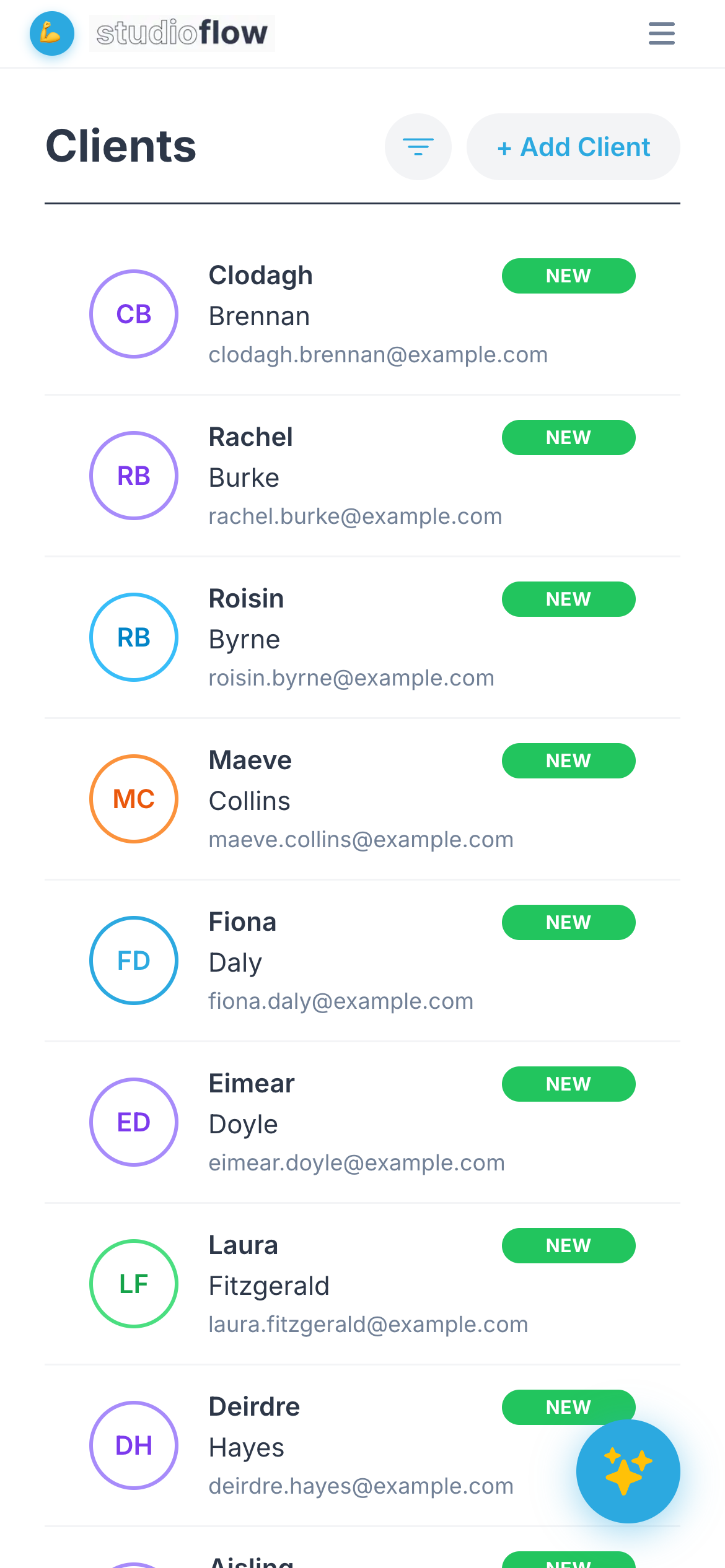
Open Clients from the menu. You'll see everyone in your studio. Tap + Add Client at the top.
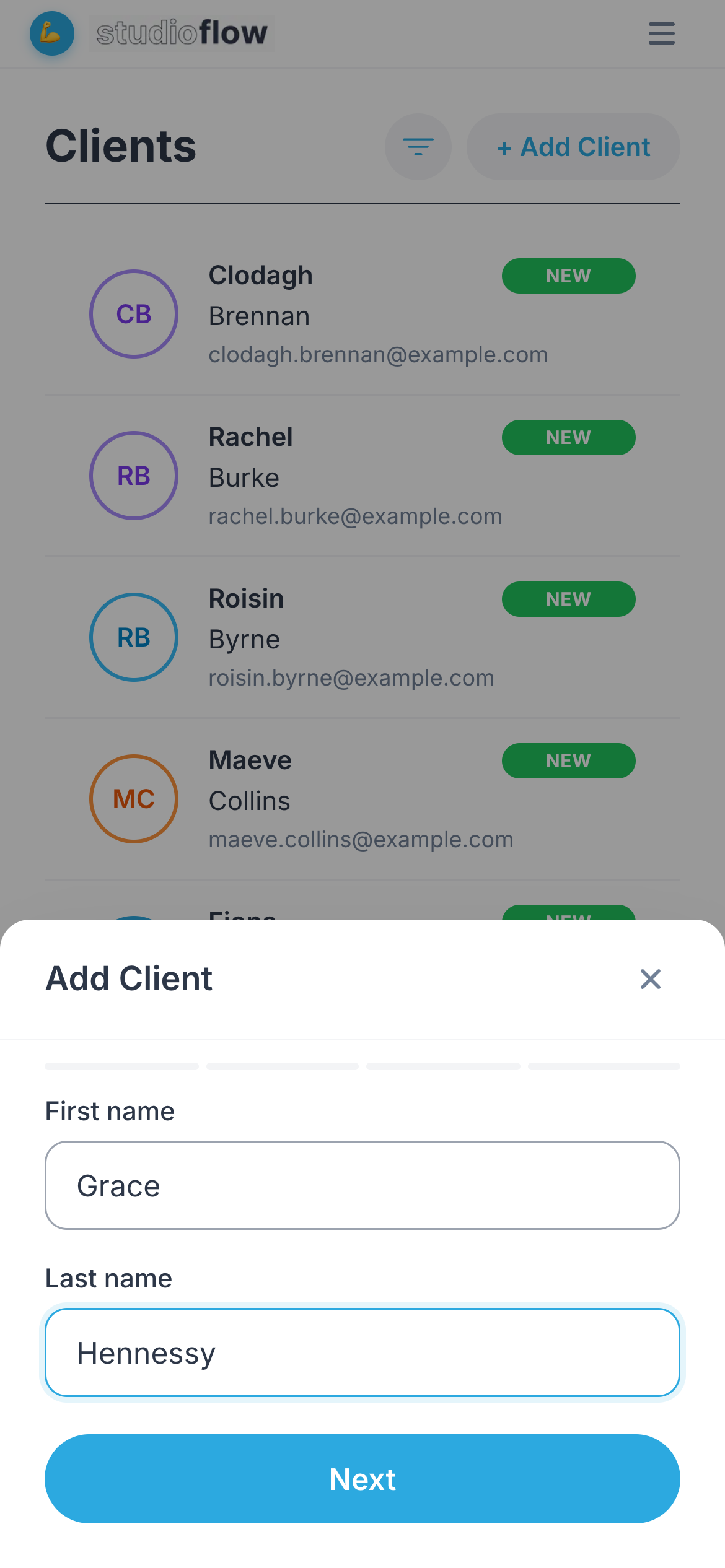
2. Enter their name
Type their first and last name, then tap Next.
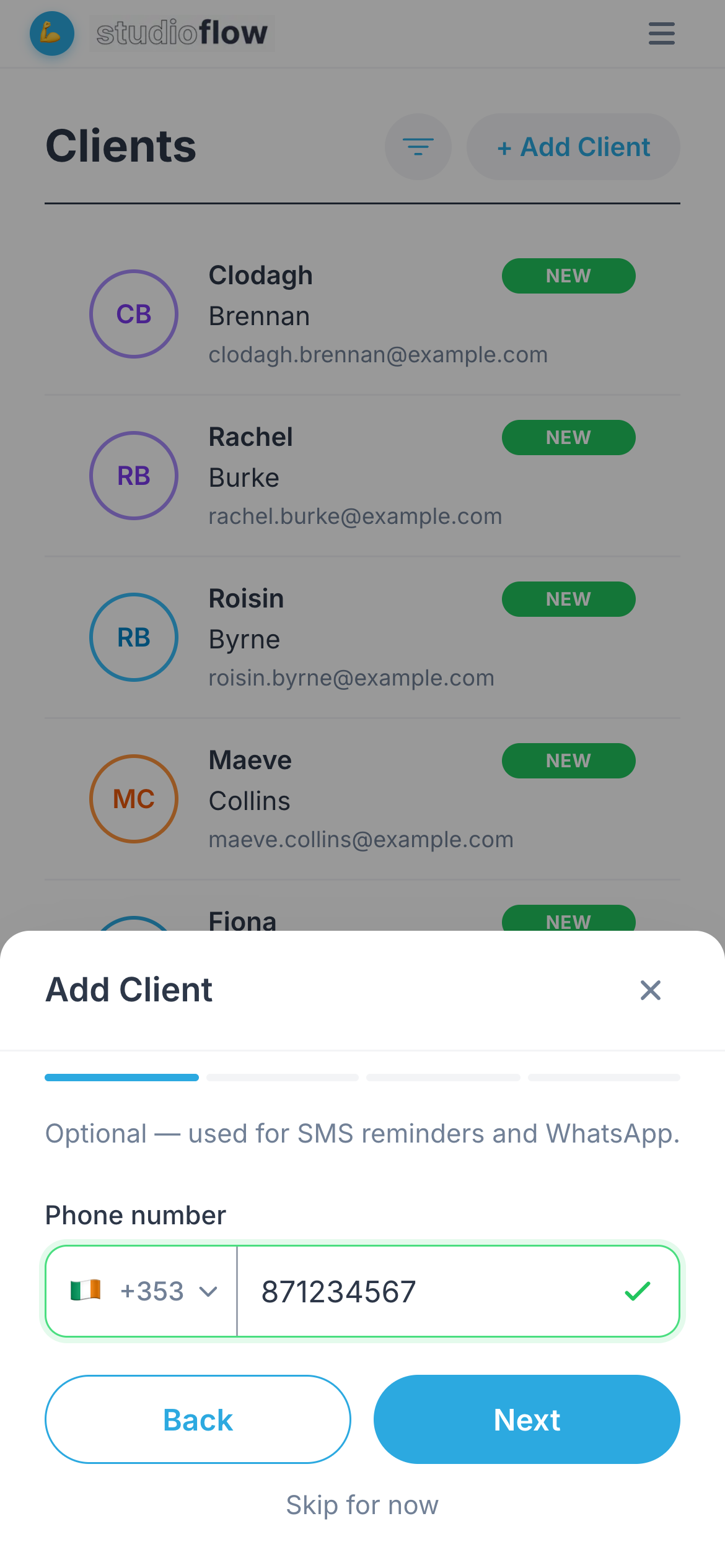
3. Add a phone number (optional)
A mobile number lets you send SMS and WhatsApp reminders. Tap Next, or Skip if you don't have it.
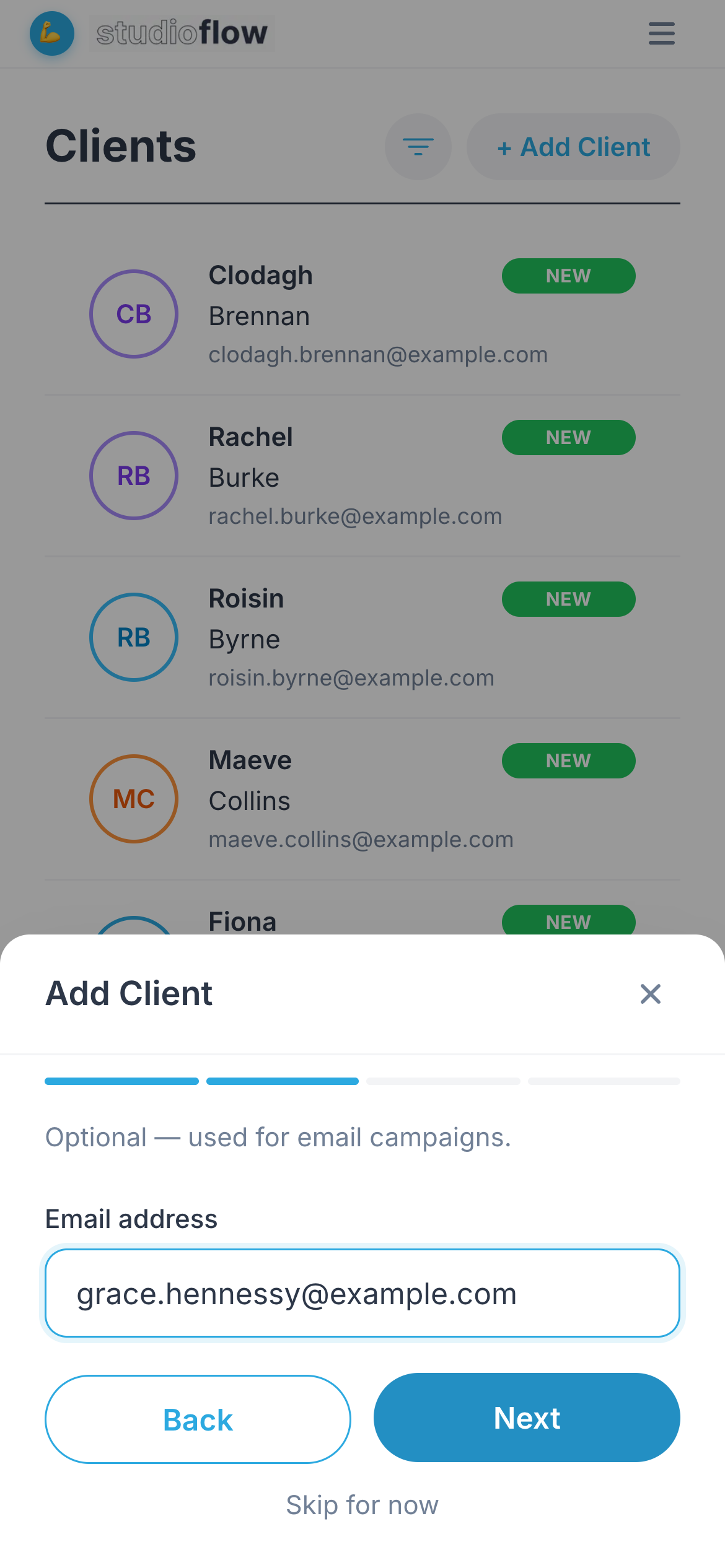
4. Add an email address (optional)
An email address lets you include them in email campaigns. Tap Next, or Skip.
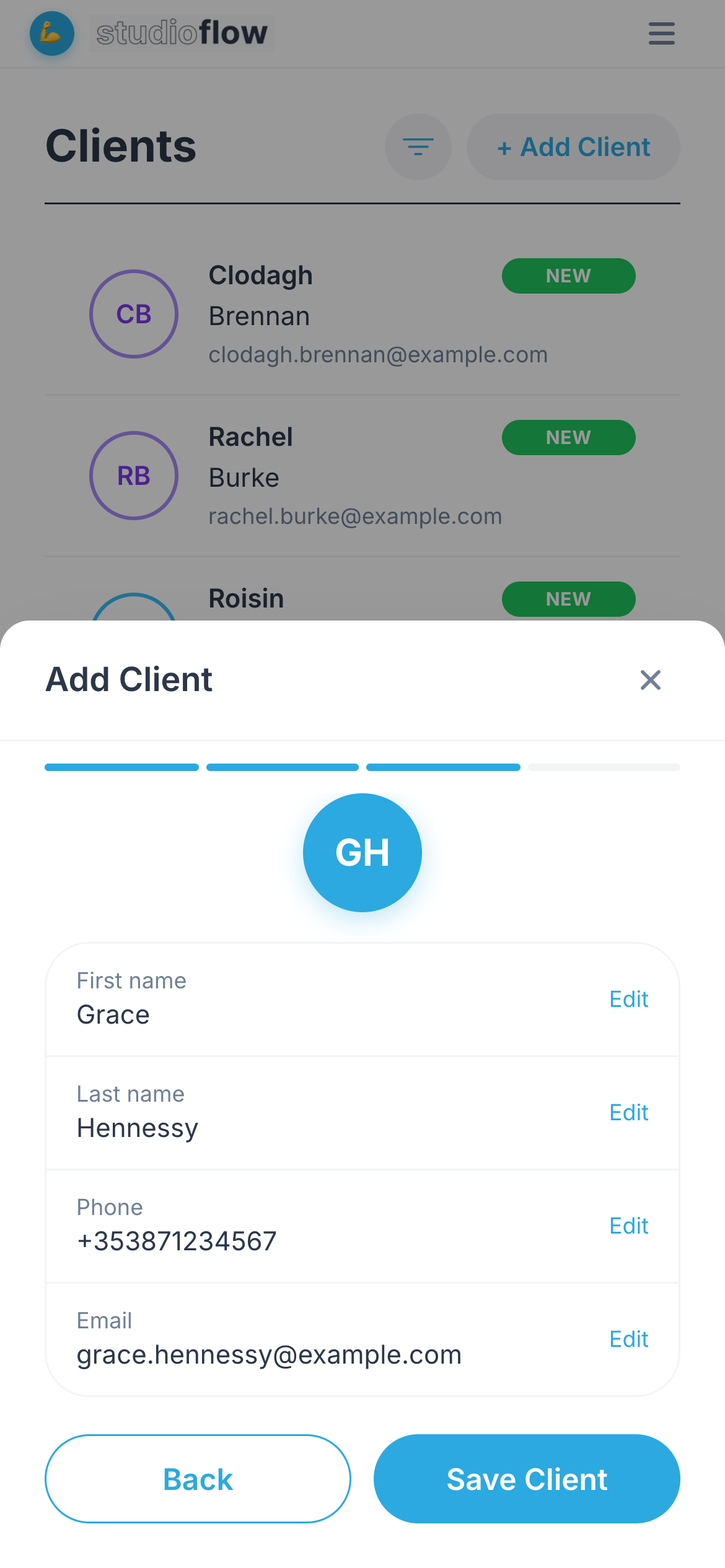
5. Check and save
Review the details. Tap Edit next to anything you want to change, then tap Save Client.
The new client now appears in your client list, ready to be added to a class.
Next steps
- Adding lots of people? Import them from your contacts instead.