
Fitness Scheduling Software That Works the Way You Do
Build your class week, share a sign-up link and see who’s coming — from your phone, with no monthly subscription.
Last updated
Class scheduling that fits in your pocket
Weekly classes, set up once
Set the day, time and number of weeks and the whole term fills in. Clone it when the next term starts.
Shareable sign-up links
One link per class. Share it on WhatsApp, Instagram or a poster QR code — clients book in under a minute.
Rosters in real time
See exactly who’s coming to each session, with the capacity you set.
Attendance every session
Mark who showed up and spot the clients drifting away before they’re gone.
Message a whole class
Weather cancellation, venue change, a reminder — send it to everyone booked in, in one go.
No monthly fee
Pay as you go with credits. A quiet month costs very little.
Most fitness scheduling software is overkill for an independent instructor. You don’t need resource management, staff rotas or multi-room booking. You need a fast, reliable way to set up classes, fill spots and see who’s coming.
StudioFlow is that tool, and it runs entirely from your iPhone. Create a class in a few taps, set a capacity and share the link on WhatsApp, Instagram or by email. Clients tap the link, enter their details and they’re in — no app to download and no account to create.
There’s no monthly subscription. You pay as you go with credits, so the cost follows how busy you are. See how pay-as-you-go pricing works.
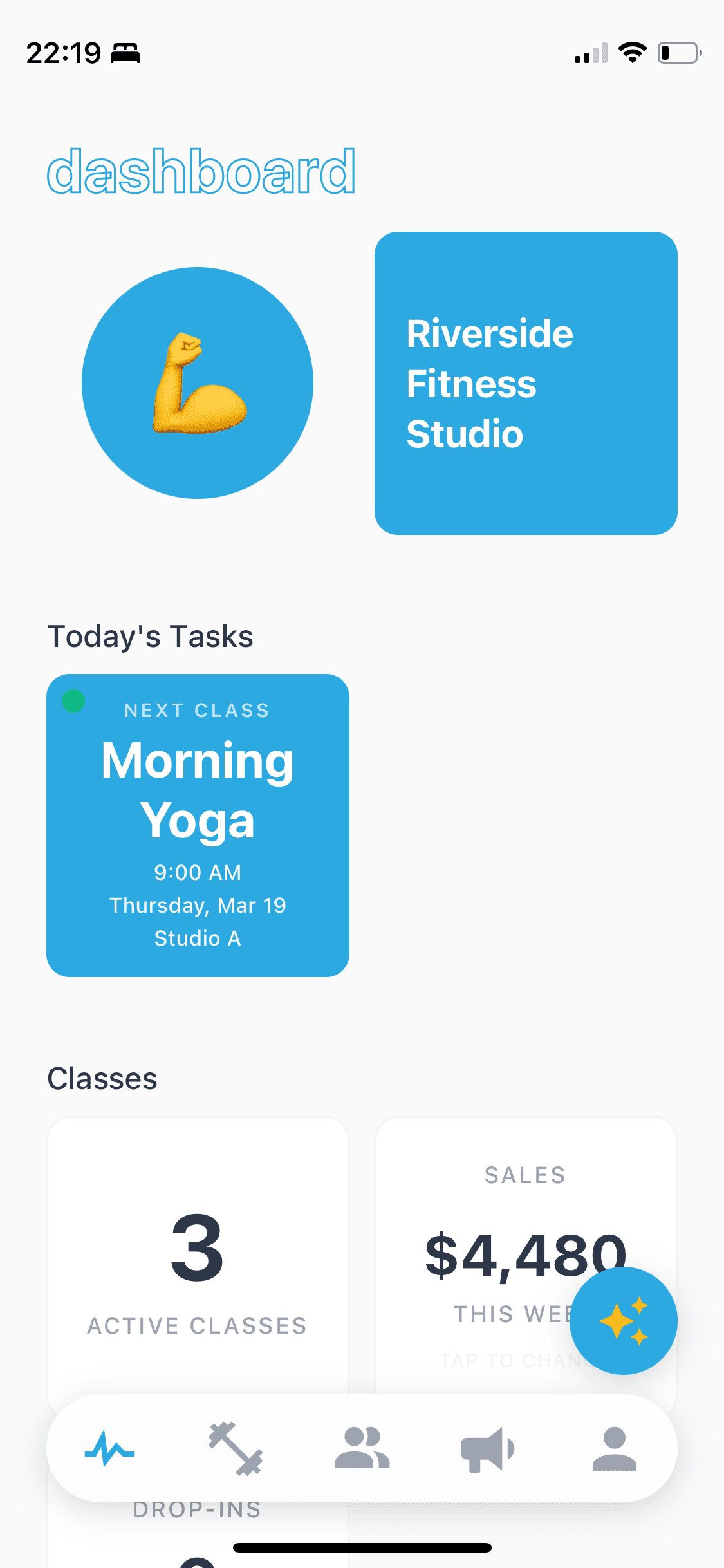

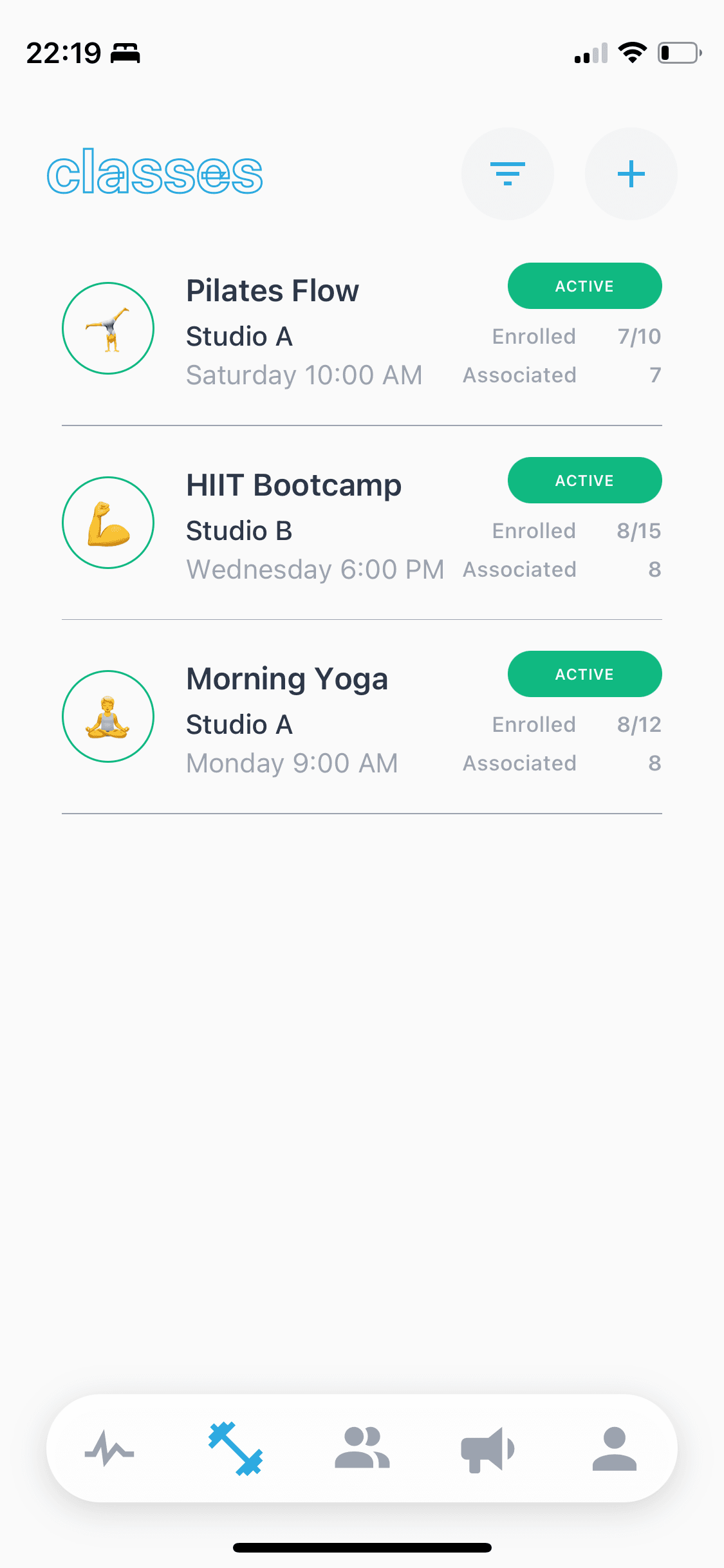
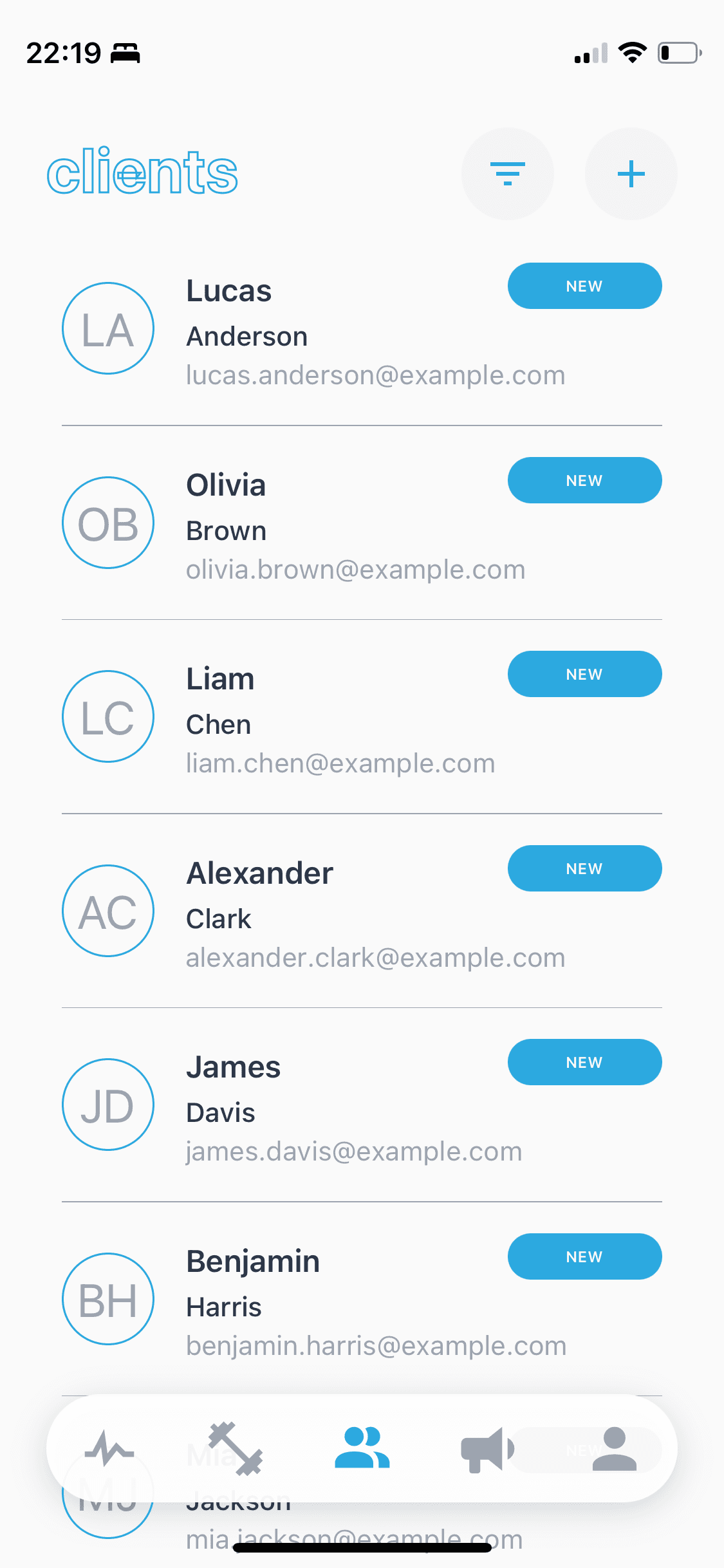
Build your weekly schedule once
Classes in StudioFlow run by the term. Set the day, start time, duration and number of weeks, and every session for the term is created. Need to move one session because the hall is booked, or run it somewhere else that week? Change that session on its own and the rest stay put.
When the term ends, clone the class for the next one rather than starting from scratch. Your schedule is built in minutes at the start of a term, then mostly looks after itself.
Sign-up links that actually get used
Every class gets its own link and QR code. Drop it into your WhatsApp group, your Instagram bio or a poster at the venue. Clients book from their phone’s browser in under a minute, and your roster updates straight away.
Clients can book a whole term, a single drop-in session or use a class pack, depending on how you set the class up. If you want to be paid when they book, connect Stripe — see how online payments work. If you prefer cash or bank transfer, the booking works the same way and StudioFlow keeps the records.
Bootcamps, outdoor sessions and hired halls
A lot of independent fitness happens outside a studio: a Saturday bootcamp in the park, a circuits class in a school hall, early-morning sessions on the beach. Each class has its own location, and each session can be moved if the venue changes, so clients always know where to turn up.
When the weather turns or a hall booking falls through, message everyone booked into that class at once by SMS, email or WhatsApp. It takes seconds rather than an evening of copy-pasting phone numbers.
Built for instructors who work alone
Most fitness studio scheduling tools are designed around teams and facilities, with dozens of staff, hundreds of members and budgets to match. If you work independently, you pay for infrastructure you’ll never use and find your way through menus that weren’t built for you.
StudioFlow is built for one person, or a small team, running their own classes — whether that’s three classes a week or a full timetable. There’s no minimum commitment, no tier to unlock basic features, and no monthly bill that makes a slow week feel worse. If you also train one-to-one clients, the same app works as personal trainer booking software.
Frequently asked questions
Can I set up recurring weekly classes?
Yes. Set the day, time and number of weeks and StudioFlow creates every session for the term. You can change or move a single session without affecting the rest, and clone the class when the next term starts.
Do clients need an app or an account to sign up?
No. Clients sign up from a link or QR code in their phone’s browser. There’s nothing to download and no account to create.
Can I limit how many people book into a class?
Yes. Set a capacity for each class, and you can see exactly who’s booked into every session.
Can clients drop in instead of booking a whole term?
Yes. A class can be set up for term bookings, drop-ins or class packs, so you can run it the way your clients actually attend.
How do I track attendance?
Mark attendance for each session in the app. It’s logged against each client, so you can see who’s regular and who’s been missing.
Can I message everyone in a class?
Yes. Pick a class and send one message to everyone booked in, by SMS, email or WhatsApp — useful for cancellations, venue changes and reminders.
Can I take payments when clients book?
Yes, if you connect Stripe; clients pay by card as they book and the money goes to your own bank account. If you take cash or bank transfer, you don’t need to. The online payments page explains how it works and what it costs.