
Yoga Booking System & Studio Software for Independent Teachers
Drop-in classes and term courses, bookings from a link, and every student’s intake form in one place — without a monthly subscription.
Last updated
Built around how yoga is actually taught
Drop-ins and term courses
Run a weekly drop-in flow class alongside a six-week beginners’ course, each booked the way it should be.
Booking from a link
Students book from WhatsApp, Instagram or a QR code on the studio door — no app, no account.
Intake forms and waivers
Health questions and waivers filled in online before the first class, or scanned from paper.
Keep students coming back
See who’s stopped coming and send one message to the students you haven’t seen in a while.
Most yoga studio software is built for studios with a front desk, a membership model and a team of teachers. If you teach independently — renting a hall two evenings a week, running a Sunday class in a studio, teaching outdoors in summer — you need something much lighter: a way to put classes out, take bookings, and know who’s coming and whether they’ve told you about their back.
StudioFlow is a yoga booking system that runs from your iPhone. Set up a class, share its link, and students book from their phone’s browser. Their details, intake form and attendance build up in one place, so by week three you know every student by name — and by injury.
There’s no monthly subscription; you pay as you go with credits. See how pay-as-you-go pricing works.
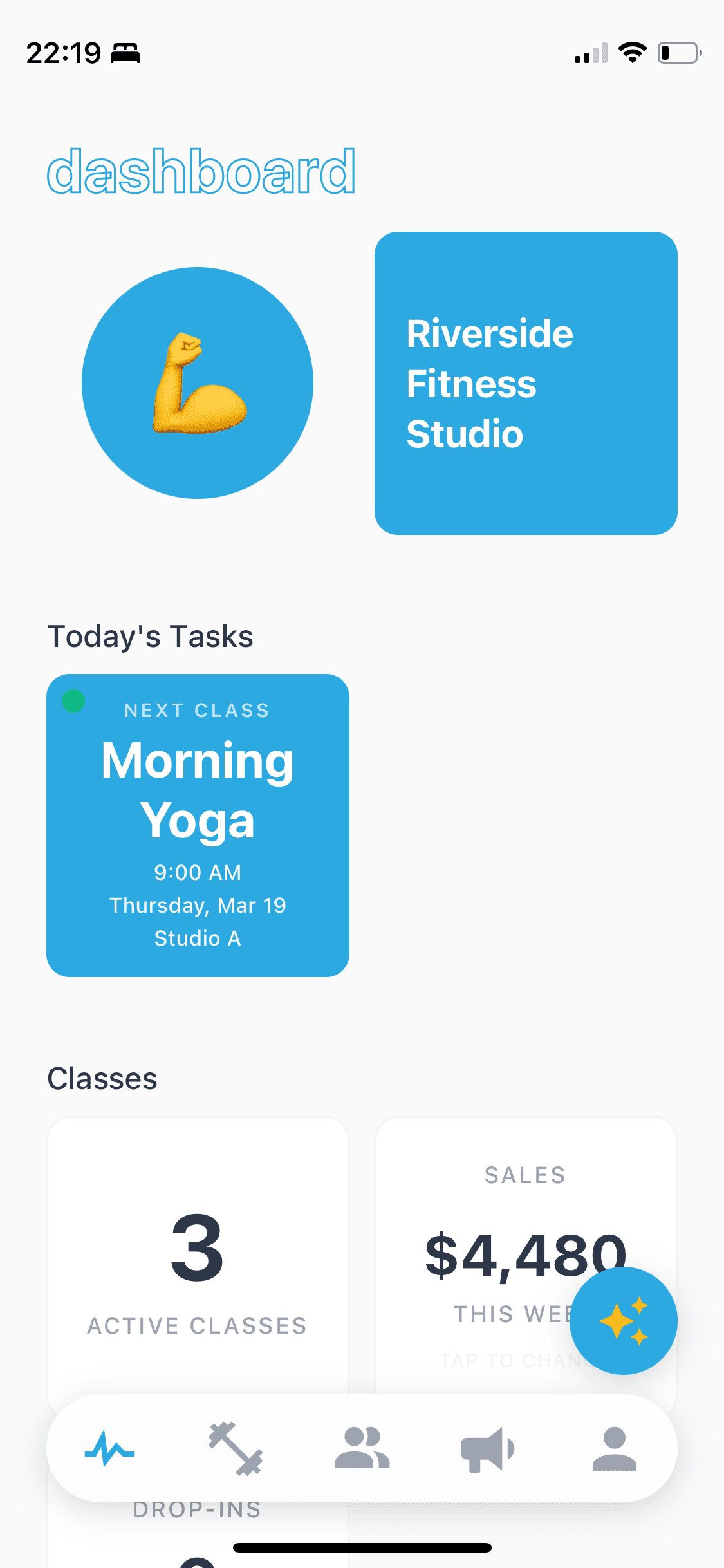

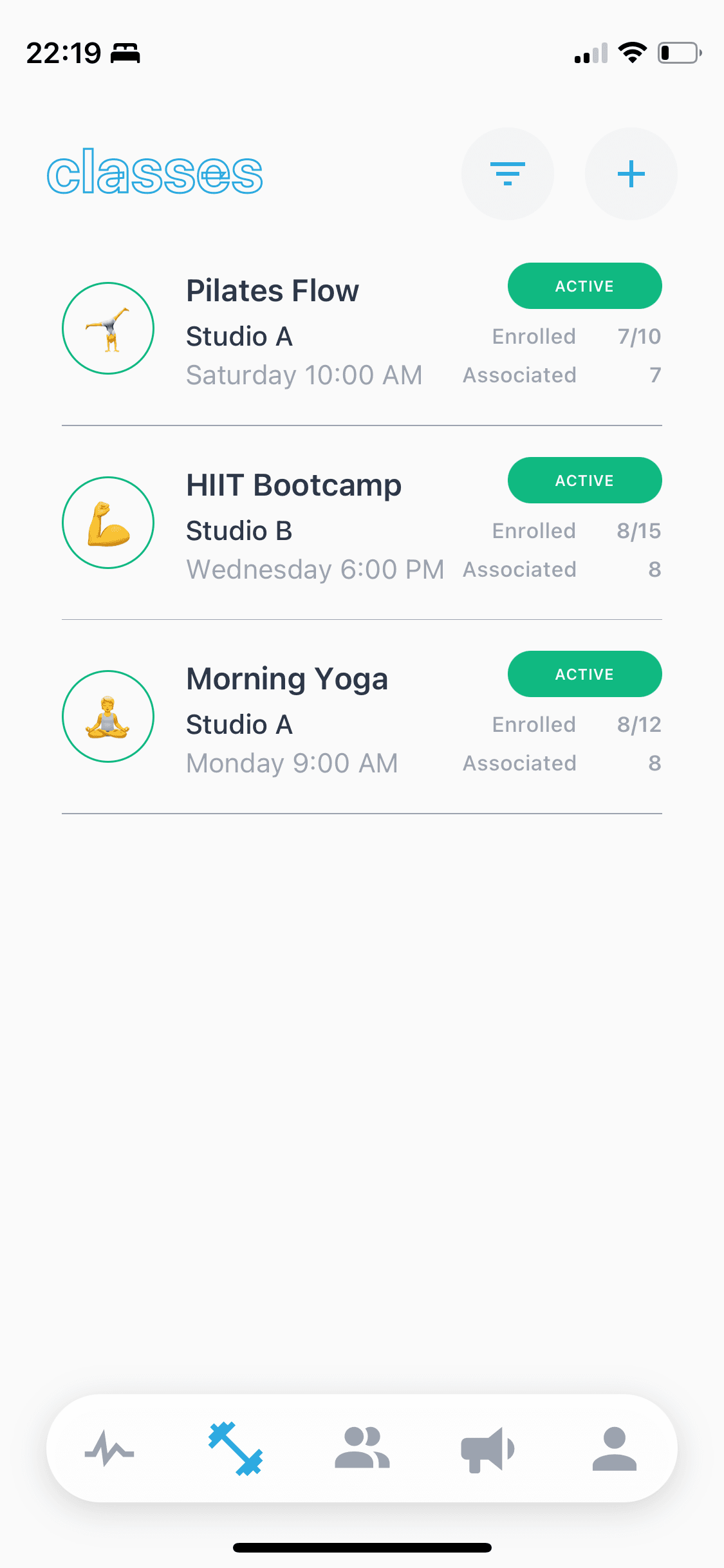
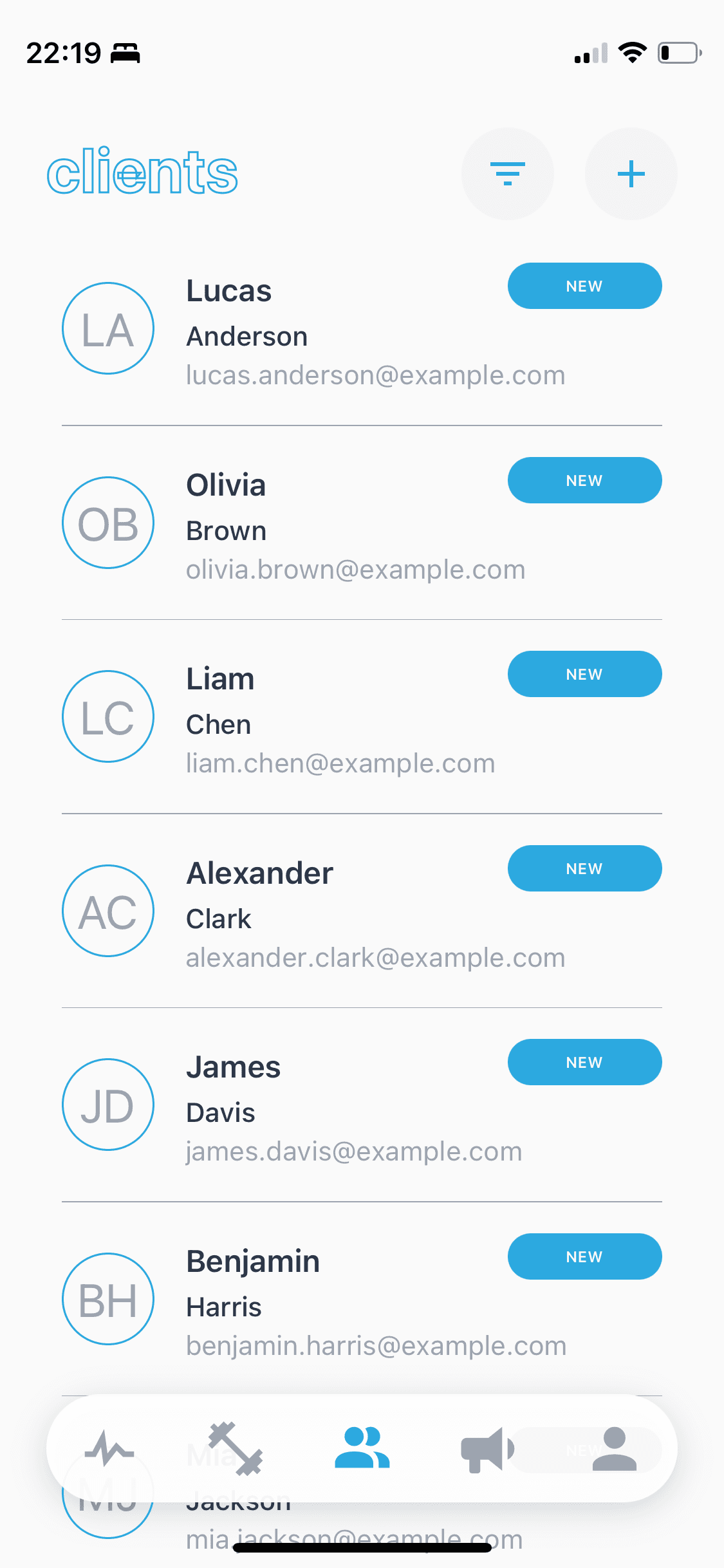
Drop-in classes and term courses, side by side
Yoga teachers rarely run just one kind of class. A weekly drop-in vinyasa class wants flexibility — students come when they can. A six-week beginners’ course or a pregnancy yoga block wants commitment — the same group, week after week, booked up front.
In StudioFlow each class is set up the way it’s actually attended. Make a class drop-in and students book single sessions. Make it a term course and students book the whole block, with their own enrolment list. Offer a class pack and students book sessions against their pack balance. All of it sits in one schedule, so a mixed week is still easy to read.
When a course finishes, clone it for the next term instead of setting it up again, and message the students who just finished to let them know the next block is open.
Teaching across halls, studios and outdoors
Independent yoga teachers often teach in three or four places: a community hall on Tuesdays, a rented studio room on Thursdays, a gym’s studio at the weekend, a park or beach when the weather allows. Each class in StudioFlow has its own location, and a single session can be moved if the venue changes that week.
If a hall booking falls through or it rains on the outdoor class, message everyone booked into that session by SMS, email or WhatsApp in one go.
Intake forms and waivers before the first class
Every yoga teacher needs to know about injuries, recent surgery, pregnancy and blood pressure before a student gets on the mat. In StudioFlow you build your intake form once — health questions, emergency contact, a waiver — and share it as a link or QR code. New students fill it in on their phone before their first class, and it’s saved to their record.
If you already have a stack of paper forms, scan them with your phone and StudioFlow reads them into client records, so you’re not retyping them.
Yoga booking software that keeps students coming back
Attendance is logged against every student, so it’s easy to see who has quietly stopped coming. Filter them out, write one message with their name in it, and send it to everyone at once. A friendly “we miss you on Thursdays” brings back more students than any new-student offer.
If you want to be paid at booking — for a drop-in, a pack or a whole term — connect Stripe and students pay by card as they book. See how online payments work. If you take cash on the door, carry on; StudioFlow keeps the records either way.
Frequently asked questions
Is StudioFlow good for independent yoga teachers?
Yes — that’s who it’s built for. It runs from your iPhone, suits teachers working across several venues, and has no monthly fee, so it works whether you teach two classes a week or twelve.
Can I run drop-in classes and term courses at the same time?
Yes. Each class can be drop-in, a term course or pack-based, and they all sit in the same schedule.
Do my students need to download an app?
No. Students book from a link or QR code in their phone’s browser, with no app to download and no account to create.
Can students fill in a health form or waiver online?
Yes. Build your intake form with health questions, an emergency contact and a waiver, and share it as a link or QR code. Answers are saved to the student’s record. You can also scan existing paper forms.
I teach in different venues. Does that work?
Yes. Each class has its own location, and you can change the location of a single session if a venue changes for one week.
Can I sell class packs?
Yes. Set a class up as pack-based and students book sessions against their pack; StudioFlow tracks the balance as they attend.
Can students pay online when they book?
Yes, if you connect Stripe. Students pay by card as they book and the money goes to your own bank account. If you take cash or bank transfer, you don’t need to connect anything.
Does it work for a small yoga studio with more than one class a day?
Yes. A busy daily timetable is just more classes in the same schedule, and each has its own roster, capacity and sign-up link.