
Personal Trainer Appointment Software That Lives in Your Pocket
Run your session diary from your phone — appointments, reschedules, reminders, and who’s left on a pack — without a monthly subscription.
Your appointment book, upgraded
One-off and recurring appointments
Set up Tuesday 7am with the same client every week in one go — or drop in a single session between others.
Reschedules without the mess
Move an appointment and the record moves with it. No crossed-out diary entries, no double bookings.
Reminders in seconds
Message everyone booked in tomorrow before you leave the gym. Fewer no-shows, no copy-pasting numbers.
Session packs tracked automatically
Sell a block of ten and the balance counts down as sessions are attended. Everyone knows where they stand.
Personal trainer appointment software should solve one problem well: knowing exactly who you're seeing, when, and where — without holding your business together with a paper diary, a WhatsApp thread, and memory. Most tools that manage appointments are built for salons or clinics with a receptionist. You're a PT with a phone.
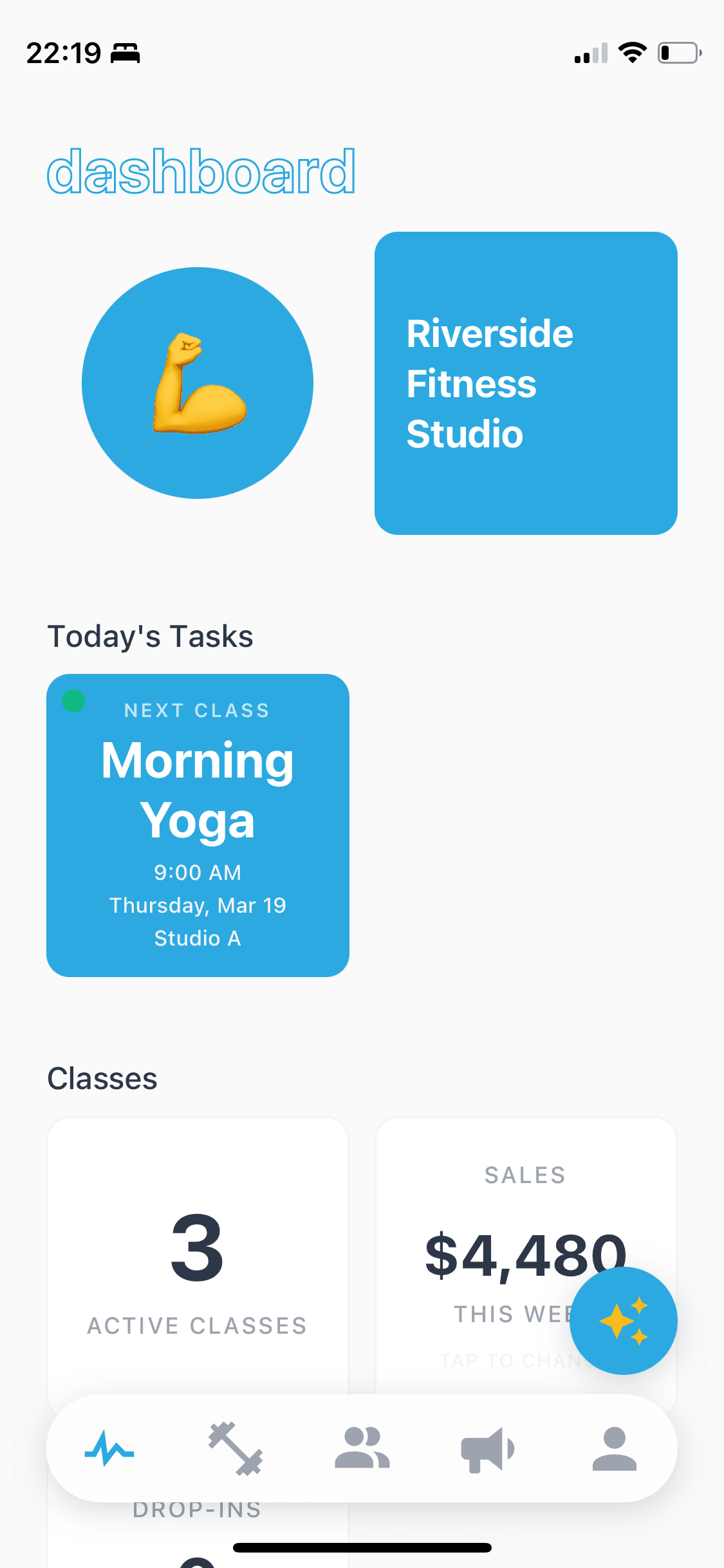
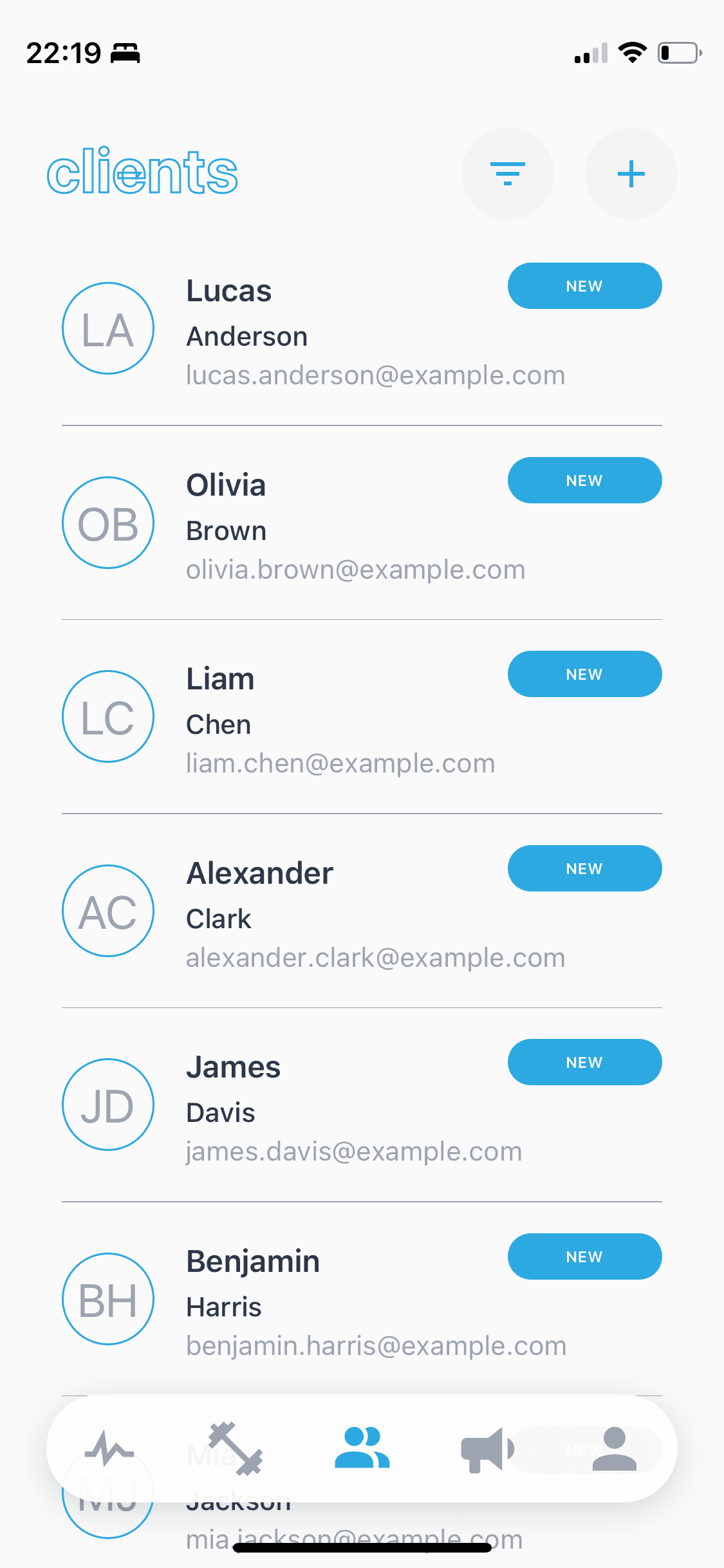
StudioFlow is built around that. Your week is a list of appointments you can see and change from the gym floor. Each one is connected to the client behind it — their contact details, their attendance history, how many sessions are left on their pack. When someone asks "am I in on Thursday?", the answer is in your pocket.
Clients can book their own appointments too. Share a direct link and they pick from the times you've made available — no app for them to download, no account to create. If you'd rather stay in control of the diary, keep bookings to yourself and just use the link for new client enquiries. Either way, the appointment booking software works around how you already operate.
There's no monthly fee. Core scheduling is free, and extras like SMS run on pay-as-you-go credits — so the software costs you something when your business is busy and almost nothing when it isn't. See how credits work or browse all features.
Fewer no-shows, less chasing
The most expensive appointment is the one nobody turns up to. A same-day reminder is the single best fix — but sending them one by one is exactly the kind of admin that eats your evening. In StudioFlow you pick the clients, write the message once, and send it to everyone at once by SMS. The whole thing takes about ten seconds.
And because every appointment is logged against the client, you can see patterns before they become problems — who's been going quiet, who keeps rescheduling, who's nearly out of sessions and due a conversation about re-booking.
An appointment scheduling app, not a front-desk system
Clinic-style appointment booking systems assume a front desk: staff logins, waiting rooms, treatment notes. As an independent trainer you don't need any of that — you need tomorrow's appointments visible from the car park, and a way to make changes between clients without opening a laptop.
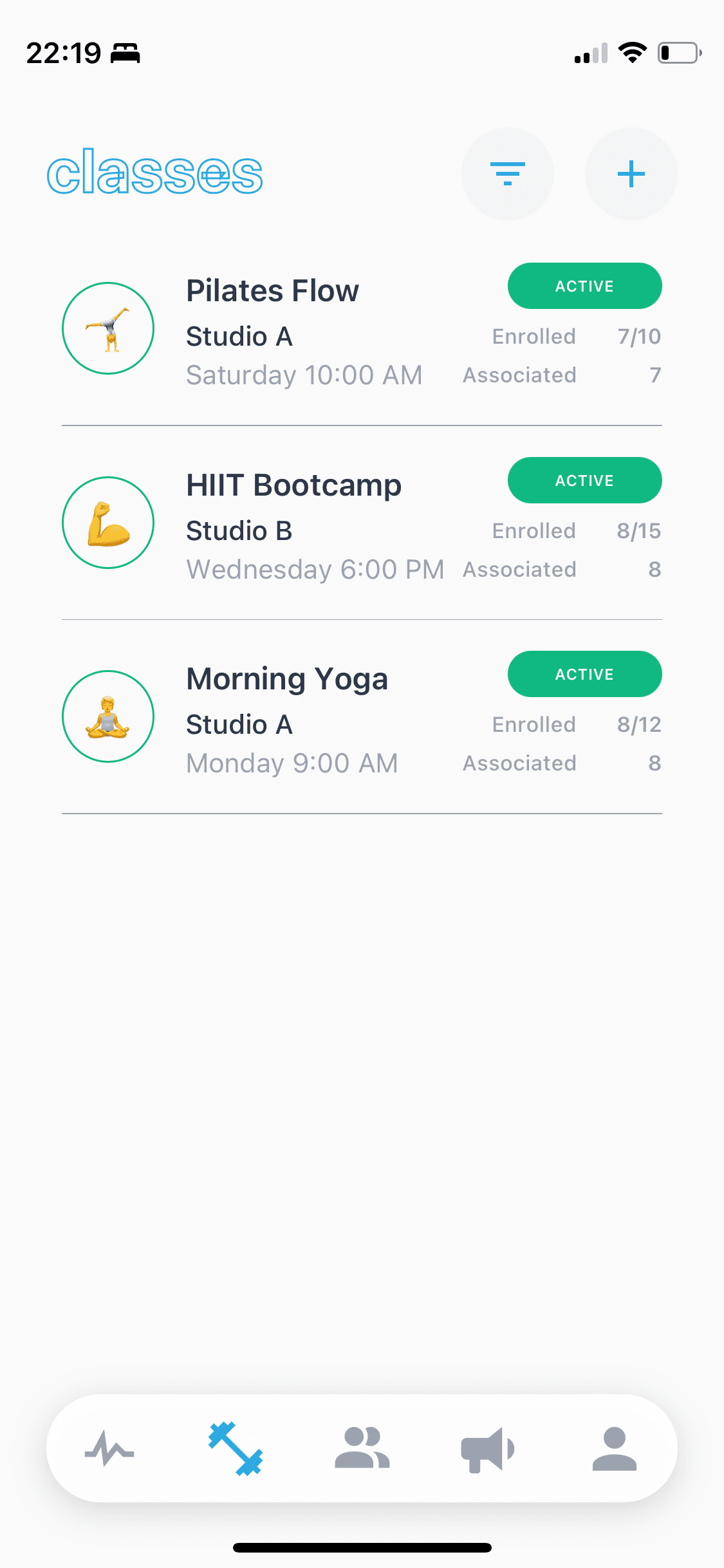
StudioFlow is an iPhone app first. It handles one-to-ones, small groups, and classes in the same diary, so if you mix PT appointments with a Saturday bootcamp, it's all in one place. If self-service bookings are the part you care about most, see how it works as personal trainer booking software — and for the full business side, as PT studio management software.
Frequently asked questions
How is appointment software different from a shared calendar?
A calendar shows you a time slot. Appointment software connects that slot to the client — who booked it, whether they showed up, how many sessions they have left on their pack, and how to message them. StudioFlow keeps all of that against each appointment automatically.
Can clients book appointments themselves?
Yes. You share a direct booking link — via WhatsApp, Instagram, or text — and clients pick from the times you make available. No app download or account needed on their side, and you keep control of your diary.
Does StudioFlow send appointment reminders?
You can message every client with an upcoming appointment in seconds — pick the clients, write the reminder once, and send it by SMS from the app. SMS runs on pay-as-you-go credits, so you only pay for what you send.
What happens when a client cancels or reschedules?
You update the appointment in the app and the spot opens up again. Because attendance and session packs are tracked against each client, a cancelled session never silently disappears from anyone's balance.
How much does it cost?
StudioFlow is free to download and core appointment scheduling is free to use. There's no monthly subscription — premium features like SMS messaging run on pay-as-you-go credits, so a quiet month costs you almost nothing.